Software development is moving faster than ever. DevOps teams must ship features, fixes, and updates at high velocity. AI-assisted development, cloud-native platforms, and microservices have increased release frequency. But speed alone is not enough. Teams must also protect software quality, reliability, and security.
This is where CI/CD tools matter.
Traditional Waterfall models can’t support modern delivery needs. Most teams now rely on continuous integration (CI) and continuous delivery or deployment (CD). These practices use automation to build, test, and release code quickly and consistently.
CI/CD automation reduces manual work. It catches errors early. It enforces quality checks and enables fast rollbacks when something breaks. It also improves security, compliance, and system stability. As a result, DevOps teams spend less time fixing issues and more time delivering value.
But these benefits depend on the tools you use.
In this article, we explain CI/CD in today’s DevOps landscape and highlight the best CI/CD tools for DevOps in 2026. These tools help you optimize your software delivery pipeline and stay competitive in a fast-moving industry.
What Is CI/CD?
A single line of bad code can take down an entire application. It happens more often than teams like to admit. Missed tests. Incorrect merges. A rushed deploy late on a Friday. As systems grow more complex, the risk grows with them.
That’s the problem CI/CD is designed to solve.
CI/CD stands for Continuous Integration and Continuous Delivery or Continuous Deployment. At a high level, it’s a set of practices that help teams merge, test, and release code safely and consistently, without panic.
Continuous Integration (CI) focuses on merging code changes early and often. Every time a developer pushes code to a shared repository, automated checks kick in. Tests run. Linters scan for issues. Builds validate that nothing breaks. Problems surface fast, while they’re still easy to fix.
Instead of large, risky merges at the end of a sprint, CI encourages small, frequent updates. This keeps teams aligned and reduces surprises.
Continuous Delivery (CD) takes validated code and prepares it for release. The pipeline packages the application, runs additional tests, and ensures it’s always in a deployable state. A human still decides when to ship, but everything else is automated.
Continuous Deployment goes one step further. Once the code passes all checks, it goes straight to production. No manual approval. No delays.
Together, CI and CD form a pipeline that moves code from development to production with guardrails at every stage. Think of it as an automated conveyor belt with built-in quality checks, rollback options, and feedback loops.
In modern DevOps teams, CI/CD isn’t optional. It’s the foundation that makes fast, reliable software delivery possible.
Core CI/CD Platforms (General-Purpose)
The following CI/CD platforms are general-purpose tools widely used for building, testing, and deploying software. They support multiple languages, integrate with popular version control systems, and scale from small projects to enterprise pipelines. Each platform offers unique features, pricing models, and workflow flexibility to suit different team needs.
| CI/CD Tool | Deployment Type | Key Strengths | Pricing Overview |
| GitHub Actions | Cloud-based | Native GitHub integration, event-driven workflows, prebuilt actions, matrix builds, self-hosted runners | Free for public repos; private repos have free build minutes, pay-as-you-scale |
| GitLab CI/CD | Cloud & Self-hosted | All-in-one DevOps platform, Auto DevOps, security scanning, advanced pipelines, Kubernetes integration | Free: 400 CI/CD mins/month; Premium: $29/user/mo; Ultimate: Custom; Self-hosted: Free |
| Jenkins | Self-hosted | Massive plugin ecosystem, Pipeline as Code, distributed builds, highly customizable | Free (pay only for infrastructure) |
| CircleCI | Cloud & Self-hosted | Flexible workflows, Orbs, matrix builds, Docker-first, parallel jobs | Free: 6,000 build credits/mo; Performance Plan: $15/mo; Scale/Server: Custom |
| Azure Pipelines | Cloud & Self-hosted | Cross-platform, language-agnostic, parallel jobs, flexible deployment targets | Free for open-source; $40/mo per parallel job; $15/mo per extra job |
| TeamCity | Self-hosted & Cloud | Build chains, Kotlin DSL, smart test re-runs, Docker support, reusable configs | Free: 3 build agents; Enterprise: $299+ per agent; Cloud: $45/mo |
| Travis CI | Cloud-based | Simple setup, multi-language support, matrix builds, Docker support | Free for public repos; Individual: $69/mo; Team: $138/mo; Enterprise: Custom |
| Codeship | Cloud-based | Managed CI/CD, dedicated AWS instances, flexible workflows, container support | Free: 100 builds/mo; Basic: $49/mo; Pro: Up to 20 concurrent builds |
| Buddy | Cloud & On-prem | Fast deployments, smart change detection, advanced caching, reusable environments | Free: small teams; Pro: $75/mo; On-prem: $35/user/mo |
GitHub Actions
If your code lives on GitHub, GitHub Actions is one of the easiest ways to set up CI/CD.
GitHub Actions is a built-in automation platform. You define workflows using simple YAML files stored directly in your repository. No external tools. No complex setup. Just a .github/workflows folder, and you’re ready to automate.
Workflows trigger on GitHub events like push, pull_request, issue_comment, releases, or scheduled cron jobs. When an event fires, Actions runs the steps you define, such as tests, builds, deployments, notifications, or anything else your pipeline needs.
The real strength of GitHub Actions is how tightly it integrates with the GitHub ecosystem. It works out of the box with pull requests, code reviews, branches, and issues. There’s no need to wire up third-party connectors or manage separate credentials.
For teams new to CI/CD, GitHub Actions is a strong starting point. You can use prebuilt workflows for common tasks like testing Node.js, Python, or Java projects. Or you can write your own workflow in a few lines of YAML. You’re essentially telling your repo, “When this happens, run these steps,” and GitHub handles the rest.
GitHub Actions also scales well beyond basic CI/CD. Many teams use it to automate documentation, content publishing, security scans, dependency updates, and internal workflows.
Key Features
- Native GitHub integration: CI/CD runs directly where your code lives, with no external tooling required.
- Event-driven workflows: Automate pipelines based on pushes, pull requests, issues, releases, or schedules.
- Marketplace of actions: Thousands of prebuilt actions for cloud deployments, notifications, testing, and more.
- Matrix builds: Test across multiple operating systems, runtime versions, or environments in parallel.
- Multi-platform support: Run workflows on Linux, Windows, macOS, ARM, containers, or virtual machines.
- Secrets management: Store API keys and tokens securely without hardcoding them into workflows.
- Self-hosted runners: Run jobs on your own infrastructure when you need custom environments or tighter control.
Pricing
GitHub Actions is free for public repositories with generous usage limits.
For private repositories, GitHub includes free build minutes each month based on your plan. Additional usage is billed as you scale. For most developers and small teams, the included minutes are enough to run full CI/CD pipelines without extra cost.
GitLab CI/CD
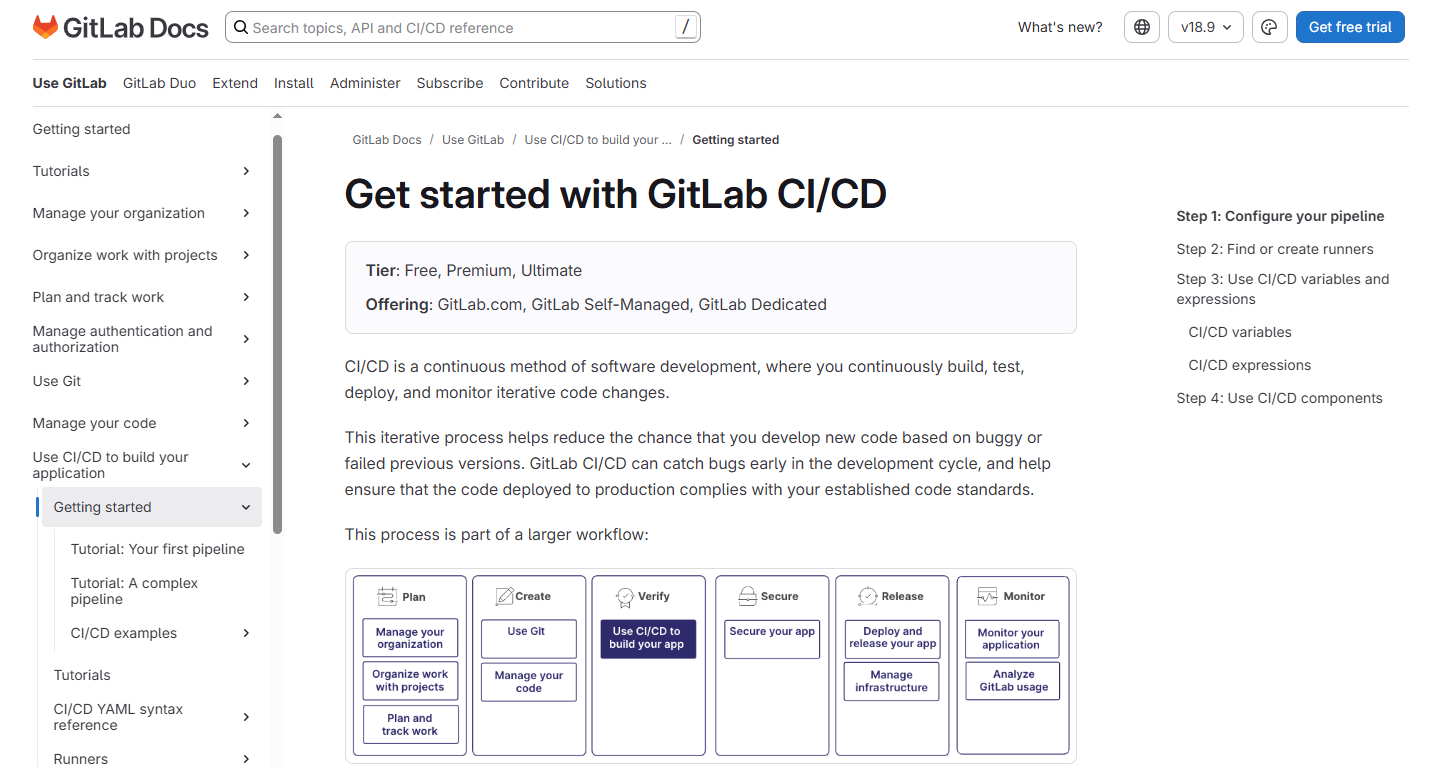
If you’ve ever wished your source control, issue tracking, code reviews, and CI/CD lived in one place, GitLab CI/CD delivers exactly that.
GitLab combines version control, planning, pipelines, security, and deployments into a single DevOps platform. There’s no tool hopping. No stitching integrations together. Everything runs in one UI, with shared context from commit to production.
GitLab CI/CD pipelines are defined using YAML, just like GitHub Actions. You add a .gitlab-ci.yml file to your repository, push your code, and the pipeline runs automatically. From builds and tests to deployments and environment management, the workflow is clean and easy to follow.
Getting started is straightforward. Simple projects can run a few jobs in minutes. More advanced teams can define parallel builds, multi-stage pipelines, deployment environments, and custom runners. GitLab scales well from side projects to large enterprise systems.
One standout feature is Auto DevOps. GitLab can detect your project type and automatically generate a CI/CD pipeline using best practices. For MVPs and small teams, this removes much of the setup work and helps you ship faster with minimal configuration.
GitLab also shines in security and compliance. It integrates testing and scanning directly into the pipeline, so issues surface before code reaches production.
Key Features
- Single DevOps platform: Source control, CI/CD, issue tracking, container registry, and security tools in one system.
- YAML-based pipelines: Customize templates or build complex pipelines from scratch.
- Auto DevOps: Automatically builds, tests, and deploys projects with minimal setup.
- Built-in security scanning: Includes SAST, DAST, dependency scanning, and container scanning.
- Parallel and advanced pipelines: Support for merge trains, parent-child pipelines, and multiple deployment environments.
- Kubernetes integration: Connect clusters for deployments, monitoring, and environment management.
- Flexible runners: Use shared runners on GitLab.com or run your own for full control and unlimited usage.
Pricing
- Free: 400 CI/CD minutes per month, up to 5 users
- Premium: $29 per user/month with more CI/CD minutes, advanced features, and priority support
- Ultimate: Custom pricing for large enterprises
- Self-hosted: Free with unlimited CI/CD usage when using your own runners
The free tier works well for small teams and open-source projects, while paid plans unlock scale, governance, and security features.
Jenkins
Jenkins is one of the oldest and most battle-tested CI/CD tools in DevOps. And even in 2026, it’s still hard to beat if you need full control and deep customization.
Jenkins is an open-source automation server built in Java. It runs on Windows, Linux, and macOS. You can host it on-premises, in the cloud, or inside containers. There’s no vendor lock-in. You own the entire setup.
At its core, Jenkins automates builds, tests, and deployments. Pipelines can trigger on Git commits, pull requests, schedules, or external webhooks. From there, Jenkins runs whatever steps you define, such as scripts, containers, or integrations with other tools.
The real power of Jenkins comes from its plugin ecosystem. With over 1,800 plugins, Jenkins connects to almost anything. Docker, Kubernetes, GitHub, GitLab, Bitbucket, Terraform, Ansible, AWS, and more. If a tool exists, there’s probably a Jenkins plugin for it.
Getting started with Jenkins takes more effort than newer platforms. You install the server, configure agents, and create jobs through the UI or with a Jenkinsfile. There’s a learning curve, especially for complex pipelines. Managing many custom jobs can also get messy without discipline.
Once Jenkins is set up, it’s extremely powerful. You can build multi-stage pipelines, run jobs in parallel, and distribute workloads across multiple agents. It works well for monorepos, legacy systems, and highly customized enterprise workflows where flexibility matters more than simplicity.
Key Features
- Massive plugin ecosystem: Thousands of plugins to integrate with CI/CD, cloud, infrastructure, and monitoring tools.
- Pipeline as Code: Define pipelines using a Jenkinsfile stored in your repository for version control and transparency.
- Distributed builds: Run jobs across multiple agents to speed up pipelines or isolate environments.
- Highly customizable: Jenkins adapts to simple pipelines or complex enterprise deployments.
- Cross-platform support: Runs on Windows, Linux, macOS, containers, and cloud VMs.
- Strong community: Backed by years of community contributions, documentation, and ongoing updates.
- Jenkins X (optional): Adds GitOps workflows, Kubernetes-native pipelines, preview environments, and secrets management.
Pricing
Jenkins is free and open-source.
You don’t pay for the tool itself. You only pay for the infrastructure it runs on, whether that’s on-prem servers or cloud resources. This makes Jenkins cost-effective for teams that already manage their own infrastructure.
CircleCI
If you’ve spent time in modern CI/CD, you’ve likely run into CircleCI. It’s popular with teams that want to move from code to deployment quickly without sacrificing control.
CircleCI is cloud-based by default, but you can also self-host if your team needs full control. Workflows are defined in YAML (.circleci/config.yml), giving you flexibility to configure parallel jobs, conditional workflows, caching, and custom Docker images. It doesn’t lock you into any stack like Node, Python, Go, .NET, Rust, Java, all work seamlessly.
Setup is straightforward. Push your config, and the pipeline runs. The UI is clean, logs are readable, and simple pipelines are quick to start. For more complex builds, CircleCI’s configuration scales without becoming messy.
One of CircleCI’s standout features is Orbs: reusable, versioned packages that let you drop in prebuilt steps. With Orbs, you can automate deployments to AWS, send Slack alerts, publish Docker images, and more. Parallel test runs, conditional deployments, and multi-version testing are easy to configure in a single YAML file.
Key Features
- Cloud or self-hosted: Choose the deployment that suits your team.
- Flexible workflows: Parallel jobs, conditional execution, and caching for faster builds.
- Matrix builds: Test across multiple versions or environments simultaneously.
- Orbs: Prebuilt, reusable CI/CD modules for common tasks.
- Docker-first: Full support for containerized builds and custom images.
- Flexible triggers: Workflows can run on branches, pull requests, tags, or manual approvals.
- Cross-platform support: Linux, Windows, macOS, ARM, GPU, and Docker environments.
Pricing
- Free: 6,000 build credits/month, enough for small teams.
- Performance Plan: Starts at $15/month with higher concurrency and faster machines.
- Scale & Server Plans: Custom pricing for large teams or self-hosted deployments.
Azure Pipelines
Azure Pipelines is a key part of the Azure DevOps suite, designed to help teams build, test, and deploy software quickly and reliably. It works with any language, any platform, and any cloud, making it a versatile choice for teams that manage diverse projects.
One of Azure Pipelines’ biggest strengths is its deep integration with GitHub and Azure Repos. Pull requests, commit statuses, and branch policies all tie directly into your pipelines. You can also run builds and tests in parallel across Linux, Windows, and macOS, speeding up delivery without extra setup.
Azure Pipelines supports containers, Kubernetes, and YAML-based workflows, so you can define complex pipelines that deploy to VMs, on-premises servers, cloud platforms, mobile stores, or PaaS services. It’s flexible enough for small projects and robust enough for enterprise-scale deployments.
Key Features
- Cross-platform support: Build and test on Linux, Windows, and macOS.
- Language and platform agnostic: Works with Node, Python, Java, .NET, Go, and more.
- Parallel jobs: Run multiple builds or tests simultaneously to speed up pipelines.
- Flexible deployment targets: Deploy to cloud, containers, VMs, on-premises, or mobile app stores.
- Version control integration: Works with GitHub, Azure Repos, and other Git-based systems.
- YAML-based pipelines: Define your workflows as code for transparency and reproducibility.
- Free for open source: Great for public projects and smaller teams.
Pricing
- Free: Up to 10 open-source projects.
- Microsoft-hosted CI/CD: $40/month per parallel job, includes 1,800 minutes.
- Additional parallel jobs: $15/month with unlimited minutes.
TeamCity
If you’re working in an enterprise environment or just like having full control over your CI/CD setup, TeamCity is a tool worth knowing. It may not get as much hype as some cloud-native options, but it quietly powers many serious production pipelines.
Built by JetBrains, the team behind IntelliJ, TeamCity has that same level of polish and reliability. It’s primarily a self-hosted CI/CD server, though a managed cloud option exists. TeamCity is aimed at teams that need advanced features out of the box: smart build triggers, detailed test tracking, flaky test detection, and tight integration with popular build tools like Maven, Gradle, and MSBuild.
Setup isn’t click-and-go like some cloud services, but once running, the UI is clean and intuitive. You can define builds through the web interface or version them in code using Kotlin DSL. For anyone who’s struggled with complex YAML pipelines, this feels like a breath of fresh air.
TeamCity handles complex setups well. Monorepos with multiple languages, interdependent services, and intricate build chains are no problem. Build chains allow you to define upstream and downstream dependencies, run tests in isolated steps, and visualize the entire flow clearly. Its agent-based architecture gives fine-grained control over where and how builds run.
Key Features
- Build chains: Define dependencies between builds and intelligently trigger partial pipelines.
- Smart test re-runs: Automatically rerun failed tests or isolate flaky ones.
- Kotlin DSL: Define builds as code using a full programming language instead of YAML.
- Test history & coverage: Built-in analytics, flaky test detection, and historical test reporting.
- Docker support: Run builds in containers or build and publish images directly.
- Parallel builds: Execute multiple builds simultaneously across agents.
- Reusable configurations: Share settings across builds for consistency and efficiency.
Pricing
- Free: Unlimited builds, 3 build agents, 100 build configurations—great for small teams or evaluation.
- Professional (On-premises): Free forever for a single server.
- Enterprise: Starts at $299 per additional build agent; larger setups may require the Enterprise server license starting at $1,999/year.
- TeamCity Cloud: $45/month, with a 14-day free trial.
Travis CI
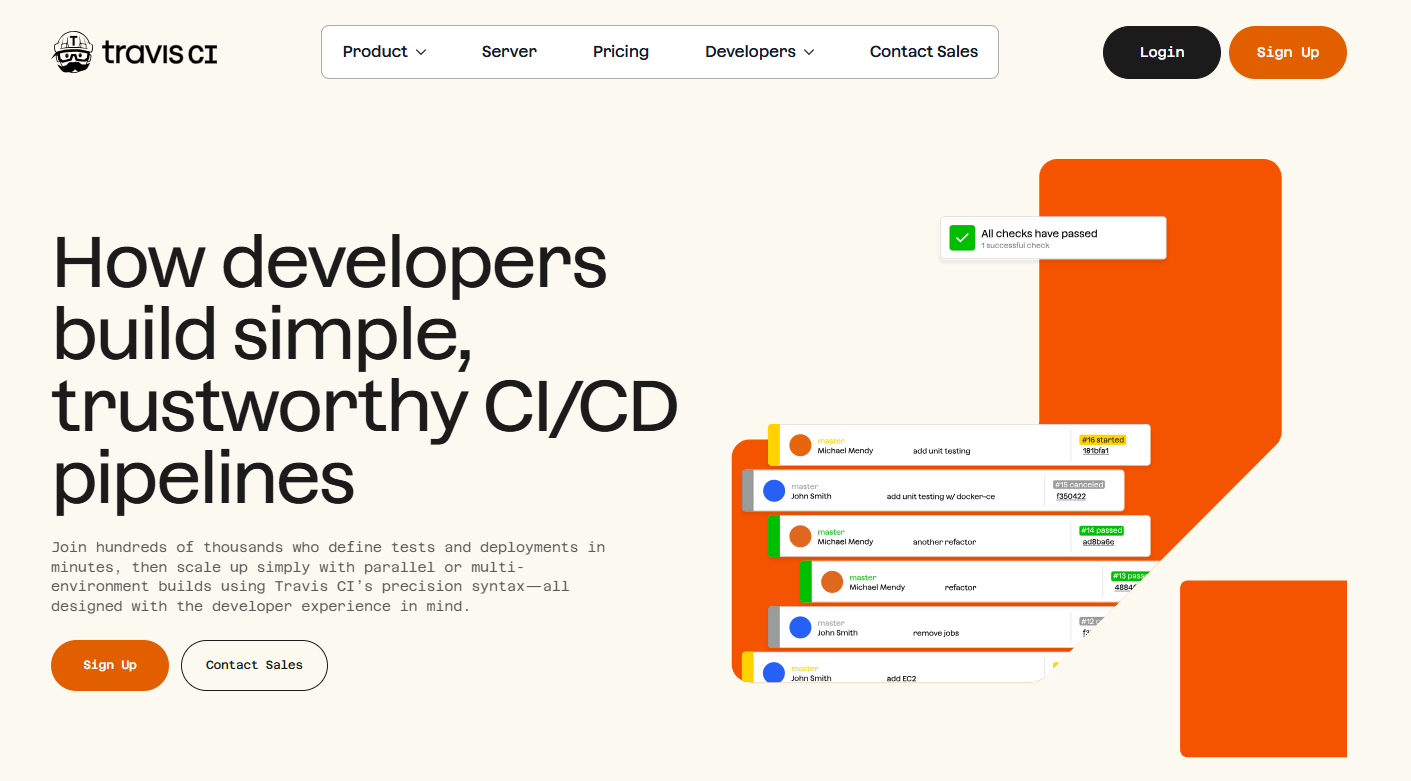
If you’ve spent time in the open-source world, you’ve likely seen Travis CI in action. It was one of the first CI/CD tools many teams tried because it’s simple, reliable, and easy to set up. Push code to your repo, and Travis automatically runs your tests. That’s it.
Travis CI is YAML-based, supports dozens of languages including Node.js, Python, Ruby, Go, Java, PHP, Rust, and more, and works across Linux, macOS, and Windows environments. There’s minimal configuration required, making it perfect for small teams, solo developers, or side projects.
Getting started is straightforward. Add a .travis.yml file to your repository, enable the repo on Travis, and define your build steps. The hosted runners handle most common environments automatically, so you rarely need to manage infrastructure unless you have specialized requirements.
While newer CI/CD platforms offer flashy dashboards and enterprise features, Travis still shines for its plug-and-play simplicity. It’s especially reliable for open-source projects or scenarios where you just want a CI/CD pipeline that “just works.”
Key Features
- Version control integration: Deep integration with GitHub, GitLab, and Bitbucket.
- Multi-language support: Node.js, Python, Ruby, Go, Java, PHP, Rust, and more.
- Parallel & matrix builds: Run jobs in parallel or across multiple environments and versions.
- Docker support: Build and test using Docker containers.
- Secrets management: Securely store API keys, tokens, and other sensitive data.
- Cloud-based runners: No need to manage your own infrastructure.
Pricing
- Free: Unlimited builds for public repositories.
- Individual (private repos): $69/month for 10,000 credits.
- Team (private repos): Starts at $138/month for additional users and build capacity.
- Enterprise: Custom pricing for self-hosted or on-premises deployments.
Codeship
Codeship by CodeBees is a CI/CD-as-a-Service platform designed to simplify pipeline setup and management, while scaling with your team’s needs. It’s cloud-based, with the option to use dedicated single-tenant AWS servers, which improves security, performance, and reliability for critical workflows.
Codeship works with virtually any cloud, tool, or service, so you can automate CI/CD tasks across different environments without complex integrations. Its interface is clean and user-friendly, making it accessible for small teams while still supporting advanced enterprise workflows.
You define which steps to run sequentially or in parallel and control concurrency to optimize build speed. Pipelines are scalable, repeatable, and self-service, letting teams focus on development rather than infrastructure. Codeship also supports pushing and pulling images from any container registry, making containerized workflows seamless.
Key Features
- CI/CD as a Service: Fully managed pipelines in the cloud with minimal setup.
- Dedicated AWS instances: Optional single-tenant servers for enhanced performance and security.
- Flexible workflows: Run steps sequentially or in parallel, with adjustable concurrency.
- Cloud & tool integration: Works with virtually any cloud, service, or development tool.
- Container support: Push and pull images from any registry.
- Scalable and repeatable: Pipelines grow with your team without added complexity.
Pricing
- Free: Up to 100 builds per month; great for small teams and trial projects.
- Basic: Starts at $49/month, includes unlimited builds, 2 parallel test pipelines, and 1 concurrent build.
- Pro: Supports up to 20 concurrent builds, ideal for larger teams with higher throughput.
Buddy
Buddy is a CI/CD platform built for speed and simplicity, letting teams build and manage complex pipelines quickly. It integrates directly with public repositories like GitHub, making deployments straightforward and efficient.
Buddy’s workflows are designed to minimize repetitive tasks while keeping pipelines transparent. It supports file transfers, error and bug detection, change monitoring, project planning, alerts, and team collaboration. Templates allow teams to standardize pipelines and speed up onboarding for new projects.
One of Buddy’s standout features is speed. Deployments can take as little as 12 seconds, making it one of the fastest CI/CD tools available. Smart change detection ensures only modified files are processed, saving time and resources. Advanced caching, covering Docker layers, artifacts, and repositories, further accelerates builds.
Buddy also supports reusable environments and granular security controls, including encrypted or plain settings with customizable scopes for pipelines, workspaces, actions, or projects. Real-time logs and unlimited history let you monitor progress and debug issues easily.
Key Features
- Fast deployments: 12-second deployments for rapid CI/CD cycles.
- Smart change detection: Only process changes that matter, saving time.
- Advanced caching: Docker layers, artifacts, and repositories for faster builds.
- Reusable environments: Standardize environments across pipelines and projects.
- Monitoring & logs: Real-time progress tracking with unlimited build history.
- Granular security: Encrypted or plain settings with customizable scopes.
Pricing
- Free: Suitable for small projects and teams.
- Pro: $75 per month for additional features and scalability.
- On-premises: $35 per user/month, for self-hosted deployments.
Kubernetes & GitOps-Focused CI/CD
Kubernetes-focused CI/CD tools are built around GitOps principles, making your Git repository the single source of truth for deployments. These platforms excel at managing complex, multi-cluster, and multi-team deployments, providing drift detection, auditability, and declarative, automated rollouts. They’re ideal for teams treating infrastructure as code and scaling safely across environments.
| Tool | GitOps Native | Deployment Targets | Key Strengths | Pricing |
| Argo CD | Yes | Kubernetes (Helm, Kustomize, YAML) | Drift detection, multi-cluster management, audit trails, RBAC/SSO | Open-source; Starter $29/mo, Pro $295/mo, Pro Plus $495/mo, Enterprise custom |
| Flux CD | Value Stream Map, workflow modeling, dependency management, and manual approvals | Kubernetes (Helm, Kustomize, YAML) | Pull-based updates, safe rollouts, multi-team support, declarative configuration | Open-source; ControlPlane Enterprise: $1,250–$42,000/mo |
| Spinnaker | Partial (multi-cloud focus) | Kubernetes, AWS, GCP, Azure, OpenStack | Multi-cloud deployments, pipelines as code, blue/green & canary, automated rollbacks | Open-source; Managed options via Armory/OpsMx |
| GoCD | No (integrates with GitOps pipelines) | Kubernetes, Docker, AWS, multi-cloud | Value Stream Map, workflow modeling, dependency management, manual approvals | Open-source, self-hosted |
Argo CD
If your infrastructure runs on Kubernetes, Argo CD is one of the most powerful CI/CD tools you can adopt. It’s built around GitOps, meaning Git is the single source of truth for your deployments. You change something in Git, and Argo CD makes sure your cluster matches it. Automatically.
Argo CD continuously compares what’s running in Kubernetes with what’s defined in your Git repository. If something drifts, Argo detects it, highlights the difference, and can sync it back to the desired state. This eliminates configuration drift and removes the guesswork from deployments. Every change is traceable to a Git commit.
Setup takes more effort than traditional CI tools. You need a Kubernetes cluster and a basic understanding of manifests or Helm charts. But once it’s running, Argo CD scales extremely well. Teams use it to manage dozens or even hundreds of microservices across multiple clusters with confidence and consistency.
Argo CD supports Helm, Kustomize, Jsonnet, and plain YAML. It integrates with GitHub, GitLab, and Bitbucket, and offers both a clean web UI and a powerful CLI. Rollbacks, audits, and environment promotions are all first-class features, not add-ons.
Argo CD focuses on delivery, not building. Many teams pair it with tools like GitHub Actions, GitLab CI, or Argo Workflows to handle CI, then let Argo CD handle Kubernetes deployments the GitOps way.
Key Features
- GitOps-native deployments: Sync Kubernetes clusters directly from Git repositories.
- Declarative configuration: Deploy using Helm, Kustomize, Jsonnet, or plain YAML.
- Drift detection & sync: Automatically detect and fix differences between Git and live clusters.
- Multi-cluster management: Control and deploy to multiple Kubernetes clusters from one place.
- Health monitoring: Visualize application and resource health in real time.
- RBAC & SSO: Fine-grained access control with enterprise identity integration.
- Audit trails & metrics: Track deployment history, events, and Prometheus metrics.
Pricing
- Open-source: Free to use.
- Managed / Enterprise options (via Akuity):
- Starter: $29/month
- Pro: $295/month
- Pro Plus: $495/month
- Enterprise: Custom pricing
Flux CD
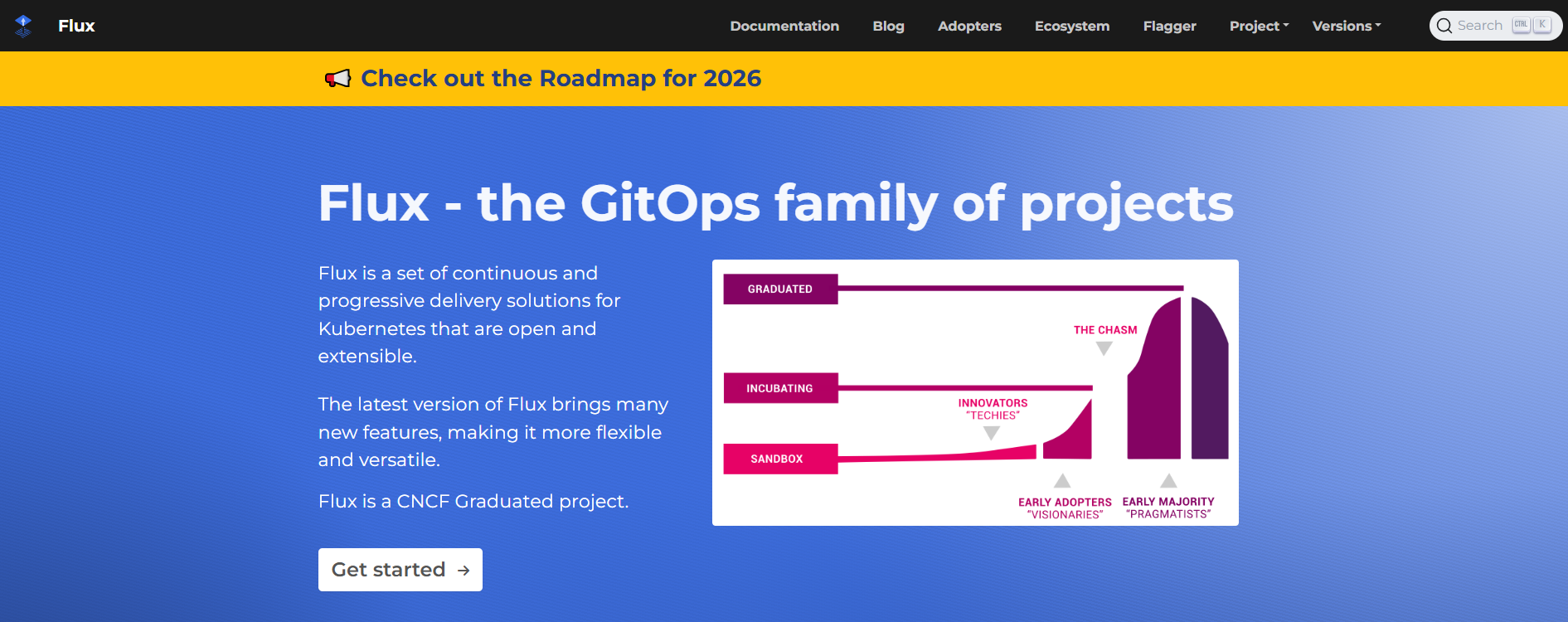
If you like the GitOps model but want something a bit more lightweight and Kubernetes-native, Flux CD is a strong choice. It’s an open-source project that continuously watches your Git repositories and reconciles your Kubernetes clusters to match whatever’s defined there. Git is the source of truth, and Flux makes sure reality follows it.
Flux uses a pull-based model, meaning the cluster pulls changes from Git instead of being pushed to. That’s a big deal for security-conscious teams because it limits permissions and reduces blast radius. You commit a change, Flux detects it, and applies it safely using Kubernetes controllers.
Setup is fairly straightforward if you’re already comfortable with Kubernetes and YAML. Flux works seamlessly with Helm and Kustomize, supports progressive delivery patterns, and makes rollbacks easy since every change is versioned in Git. It’s commonly used in shared or multi-team environments where consistency and auditability really matter.
Unlike some all-in-one CI/CD platforms, Flux focuses purely on continuous delivery. Many teams pair it with GitHub Actions, GitLab CI, or Jenkins for builds, then let Flux handle deployments in a clean, declarative way.
Key Features
- GitOps-first design: Git repositories define the desired state of your Kubernetes clusters.
- Pull-based model: Clusters pull changes from Git, improving security and access control.
- Declarative configuration: Promote consistency using Kubernetes manifests, Helm, or Kustomize.
- Safe rollouts & rollbacks: Gradual updates and easy reversions using Git history.
- Multi-team support: Works well in shared environments with clear separation of concerns.
- Kubernetes-native: Built as a set of controllers that run directly inside your cluster.
- Traceable changes: Every deployment is auditable and linked to a Git commit.
Pricing
- Open-source: Completely free to use.
- Enterprise support (via ControlPlane):
- CPE-1 Bundle: $1,250/month
- CPE-10 Bundle: $6,250/month
- CPE-25 Bundle: $10,500/month
- CPE-100 Bundle: $42,000/month
Spinnaker
If your deployments span multiple clouds, regions, or Kubernetes clusters, Spinnaker is built for that kind of scale. Originally developed at Netflix, it’s designed to handle complex, enterprise-grade continuous delivery with built-in safety patterns like canary releases, blue/green deployments, and automated rollbacks.
Spinnaker isn’t plug-and-play. It’s for teams with serious infrastructure and DevOps maturity. You define pipelines with visual stages such as bake, deploy, manual approval, canary analysis, rollback and trigger them via Git, Docker pushes, pub/sub events, or even other pipelines. Its power lies in orchestrating multi-cloud deployments without glue code, letting you focus on strategy rather than scripting every step.
The learning curve is steep, and setup requires managing multiple microservices, often on Kubernetes. Once configured, Spinnaker provides a clear, auditable view of your deployments across all environments. Teams often pair it with CI tools like Jenkins, Travis CI, or GitHub Actions, using Spinnaker exclusively for delivery and rollout management. AI tools like Pieces can help document deployment strategies and pipeline logic for future reference.
Key Features
- Multi-cloud deployments: AWS, GCP, Azure, Kubernetes, OpenStack, and more.
- Pipelines as code: Define pipelines in JSON/YAML and version them in Git.
- Safe deployment patterns: Blue/green, canary, rolling updates built-in.
- Automated rollbacks: Trigger based on monitoring metrics or manual approval.
- Integrations: Works with CI tools, artifact registries, and monitoring systems (Jenkins, Travis, Docker Hub, Datadog, Prometheus).
- Visual UI: Track pipelines, deployments, and stages at a glance.
Pricing
- Open-source: Free to use.
- Managed options: Armory Spinnaker or OpsMx offer enterprise-grade support if you want to avoid self-managing the platform.
GoCD
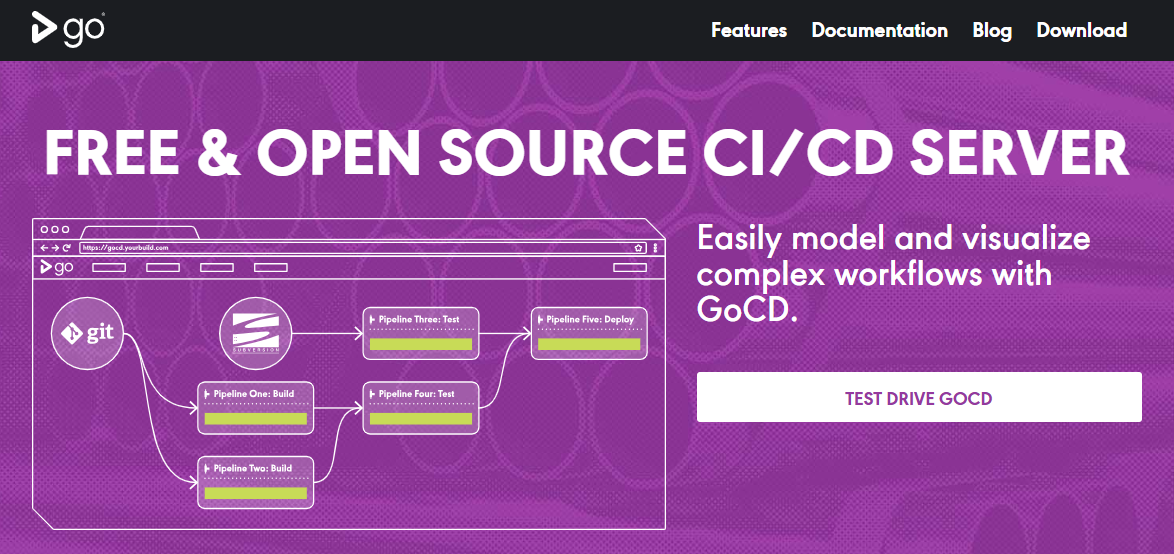
GoCD is a continuous delivery platform built to give teams full visibility and control over their pipelines. Unlike general-purpose CI/CD tools, it focuses on orchestrating complex deployments and integrates seamlessly with your existing CI tools to complete end-to-end pipelines. Its standout feature is the Value Stream Map, which shows the entire path from commit to production, making it easy to spot bottlenecks or inefficiencies.
GoCD runs on Windows, Linux, and macOS, and supports cloud-native deployments on Kubernetes, Docker, AWS, and other environments. It’s ideal for teams that need precise control over workflow modeling, dependency management, and deployment timing. Manual approvals and rollback triggers give you confidence when promoting code to production.
Key Features
- Value Stream Map: Visualize the full CD pipeline from commit to deployment.
- Parallel & cross-platform execution: Run builds and tests efficiently across multiple environments.
- Dependency management: Model complex workflows with upstream and downstream jobs.
- Commit comparisons: Compare changes between any two builds for better traceability.
- Flexible deployment: Deploy known good versions anywhere with manual triggers.
Pricing
- Open-source: Free to use, self-hosted.
Niche & Specialized CI/CD Tools
Not every team needs a one-size-fits-all CI/CD platform. These tools shine in specific scenarios, whether that’s strict reproducibility, Bitbucket-native workflows, enterprise-grade delivery controls, or mobile-first CI/CD. If your use case is specialized, these platforms often deliver better clarity, performance, and developer experience than general-purpose tools.
| Tool | Best For | Core Strength | Deployment Model | Pricing |
| Concourse | Reproducible, container-first pipelines | Resource-driven, clean builds every run | Self-hosted (containers) | Free & open-source |
| Bitbucket CI/CD | Teams already using Bitbucket | Built-in CI/CD with minimal setup | Cloud (Bitbucket Pipelines) | Free tier, paid plans from $3/user/month |
| AppVeyor | .NET & cross-platform teams | Strong Windows + multi-OS support | Cloud & self-hosted | Free for public repos, paid from $29/month |
| Semaphore | PR-driven, enterprise workflows | Visual DAG pipelines + security controls | Cloud or on-premises | Custom pricing |
| Bitrise | Mobile app teams | Mobile-first CI/CD automation | Cloud | Free tier, paid from $99/month |
| Codemagic | Flutter & cross-platform mobile apps | Fast mobile builds & store deployments | Cloud | Pay-as-you-go or $3,990/year |
| Codefresh | Kubernetes & container-native teams | Argo-based declarative CI/CD | Cloud or self-hosted | Free tier, paid from $76/dev/month |
Concourse
Concourse is a container-based, open-source CI/CD platform built with Go that emphasizes reproducibility, scalability, and clarity. Its pipelines are highly opinionated, making it easy to reason about what runs, when, and why. Think of each pipeline as a continuously running, distributed Makefile: jobs declare inputs (resources) and tasks, and Concourse ensures they execute whenever changes occur.
Because every job runs in a clean container environment, builds are predictable, reproducible, and easy to debug. The web UI provides a clear visualization of pipelines, helping teams understand complex workflows at a glance. Concourse is ideal for teams that value strict reproducibility, modular pipelines, and a minimal, container-first approach.
Key Features
- Resource-driven pipelines: Jobs trigger automatically based on input changes.
- Container-based execution: Each job runs in a clean, isolated container.
- Open-source: Community-run roadmap and active contributions.
- Pipeline visualization: Web UI clearly shows job dependencies and flow.
- Reproducible & debuggable: Clean environment ensures consistent builds every run.
Pricing
- Free: Fully open-source and self-hosted.
Bitbucket CI/CD
If your repositories already live in Bitbucket, Bitbucket Pipelines is the easiest way to get CI/CD up and running without juggling extra tools. It’s built directly into Bitbucket Cloud, so your workflows live alongside your code, and there’s no separate server or connector setup needed. Define your pipeline in a simple bitbucket-pipelines.yml file, and every push, PR, or tag can trigger builds and deployments automatically.
Under the hood, Pipelines runs everything in Docker containers, so environments are consistent across builds. It also comes with prebuilt Pipes such as reusable steps for deployments, notifications, or security checks, so you don’t have to reinvent the wheel. The web UI provides clear visibility into build status, logs, and deployment progress, making it especially convenient for small to mid-sized teams that want simplicity without giving up control.
Key Features
- Built-in CI/CD: No external tools needed; just commit your pipeline and run.
- Docker-native: Containerized builds for consistent and reproducible environments.
- Reusable Pipes: Prebuilt steps for common tasks like AWS deployments or Slack notifications.
- Environment variables & secrets: Manage credentials securely across stages.
- Branch/Tag workflows: Trigger different pipelines based on branch names or tags.
- Jira integration: Full traceability from backlog items to deployments.
Pricing
- Free: Public repositories; 50 build minutes/month for private repos, up to 5 users, 10 deployment environments.
- Standard: $3/user/month; 2,500 build minutes/month, 100 deployment environments.
- Premium: $6/user/month; 3,500 build minutes/month, 100 deployment environments, advanced features.
AppVeyor
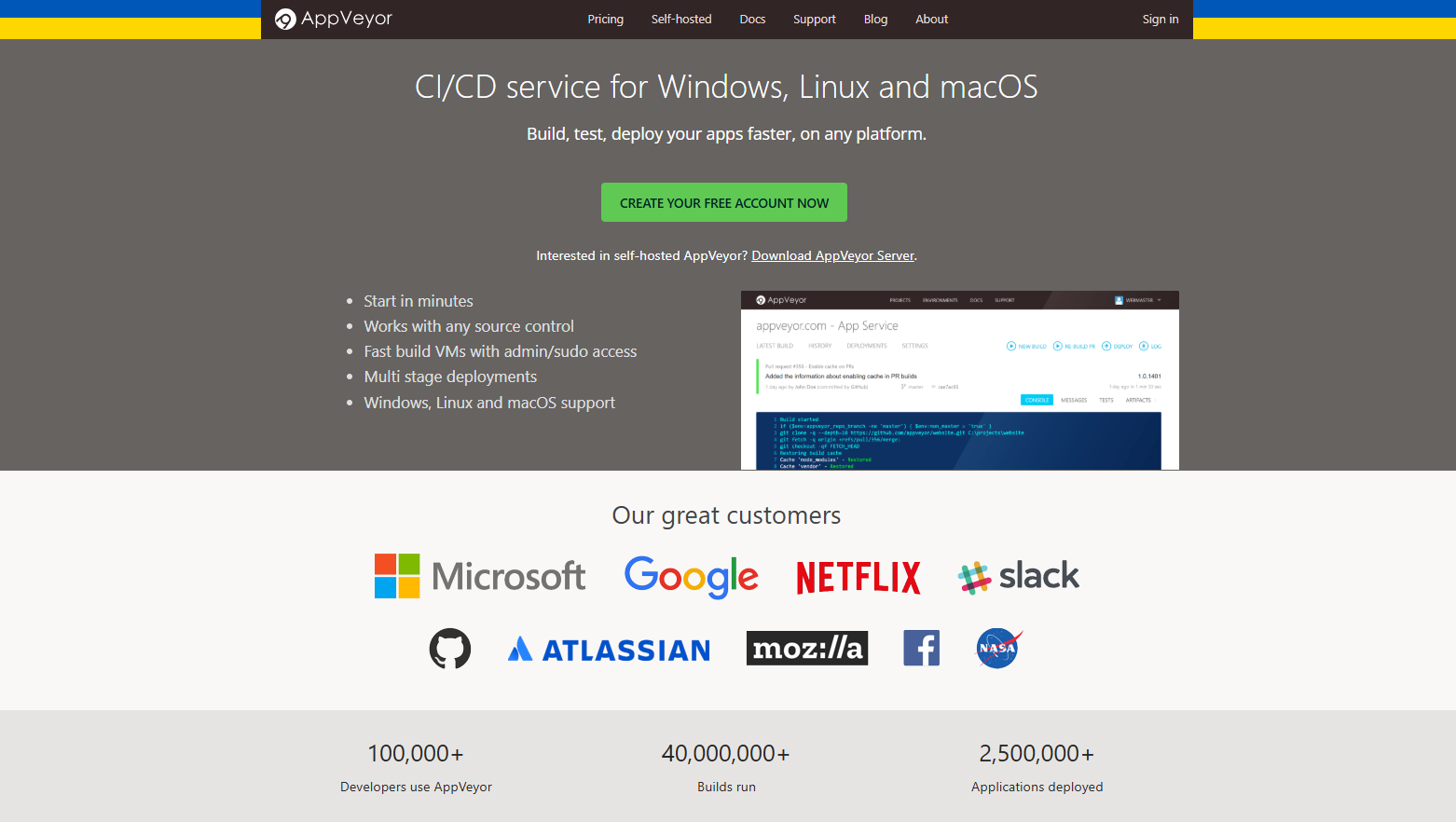
AppVeyor is a CI/CD platform built with .NET developers in mind, though it also supports other languages and platforms. It integrates with a wide range of version control systems including GitHub, GitLab, Bitbucket, Azure Repos, Gitea, and Kiln. Its focus on Windows, Linux, and macOS makes it a versatile option for teams that need cross-platform support while maintaining strong .NET integration.
AppVeyor lets you configure pipelines either through its web UI or with a versioned YAML file in your repository. Builds run in clean, isolated environments, ensuring reproducibility and minimizing “it works on my machine” issues. Multi-stage pipelines, notifications, and deployment options make it suitable for small projects as well as enterprise-grade workflows.
Key Features
- Multi-stage deployments: Define build, test, and deploy stages for complex workflows.
- Cross-platform support: Run builds on Windows, Linux, and macOS.
- Source control agnostic: Works with GitHub, GitLab, Bitbucket, Azure Repos, Gitea, and Kiln.
- Clean environments: Each build runs in a fresh, isolated container for consistency.
- UI or YAML pipelines: Choose between a graphical setup or a versioned configuration in code.
- Custom reports & notifications: Track builds and tests with detailed reporting.
Pricing
- Free: Unlimited builds for public projects.
- Basic: $29/month for 1 concurrent job, 1 private project, 5 self-hosted jobs.
- Standard: $59/month for unlimited private projects, 1 concurrent job, 5 self-hosted jobs.
- Premium: $99/month for unlimited private projects, 2 concurrent jobs, and 5 self-hosted jobs.
Semaphore
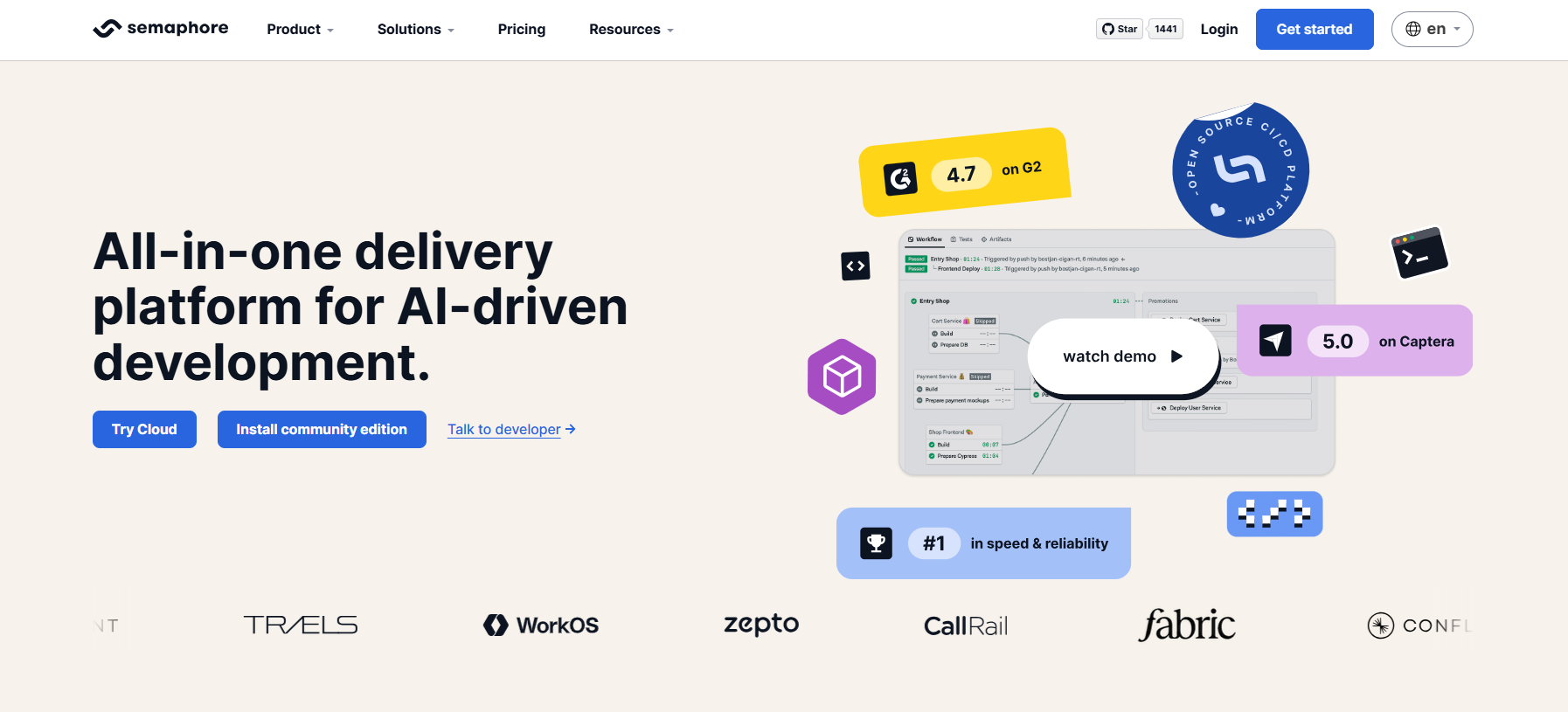
Semaphore is a CI/CD platform that emphasizes best practices through pull request–driven workflows. It’s designed for teams that want speed, reliability, and flexibility without compromising control. Whether you host in the cloud or on-premises, Semaphore supports modern development environments including Docker and Kubernetes, making it easy to run complex pipelines across multiple platforms.
One of Semaphore’s standout features is its Visual Workflow Builder, which allows you to model pipelines quickly while maintaining full control over stages, dependencies, and parallel execution. With advanced features like audit logs, SAML/SCIM integration, and infrastructure-as-code modeling, Semaphore fits both small teams and enterprise environments that require security and compliance.
Key Features
- Pull request–driven workflows: Automate CI/CD based on Git activity.
- Cloud or on-premises: Flexible deployment to suit your infrastructure needs.
- Visual Workflow Builder: Design pipelines visually while keeping them fully customizable.
- Parallel and sequential execution: Includes DAG support for complex pipelines.
- Docker & Kubernetes support: Run containerized builds and orchestrate deployments.
- Security & compliance: Audit logs, SAML, and SCIM support for enterprise teams.
- Infrastructure as code: Model pipelines and dependencies as code for reproducibility.
Pricing
- Custom pricing: Depends on team size, concurrency, and hosting choice.
- Trial: 14-day free trial for Linux, Docker, and macOS pipelines.
Bitrise
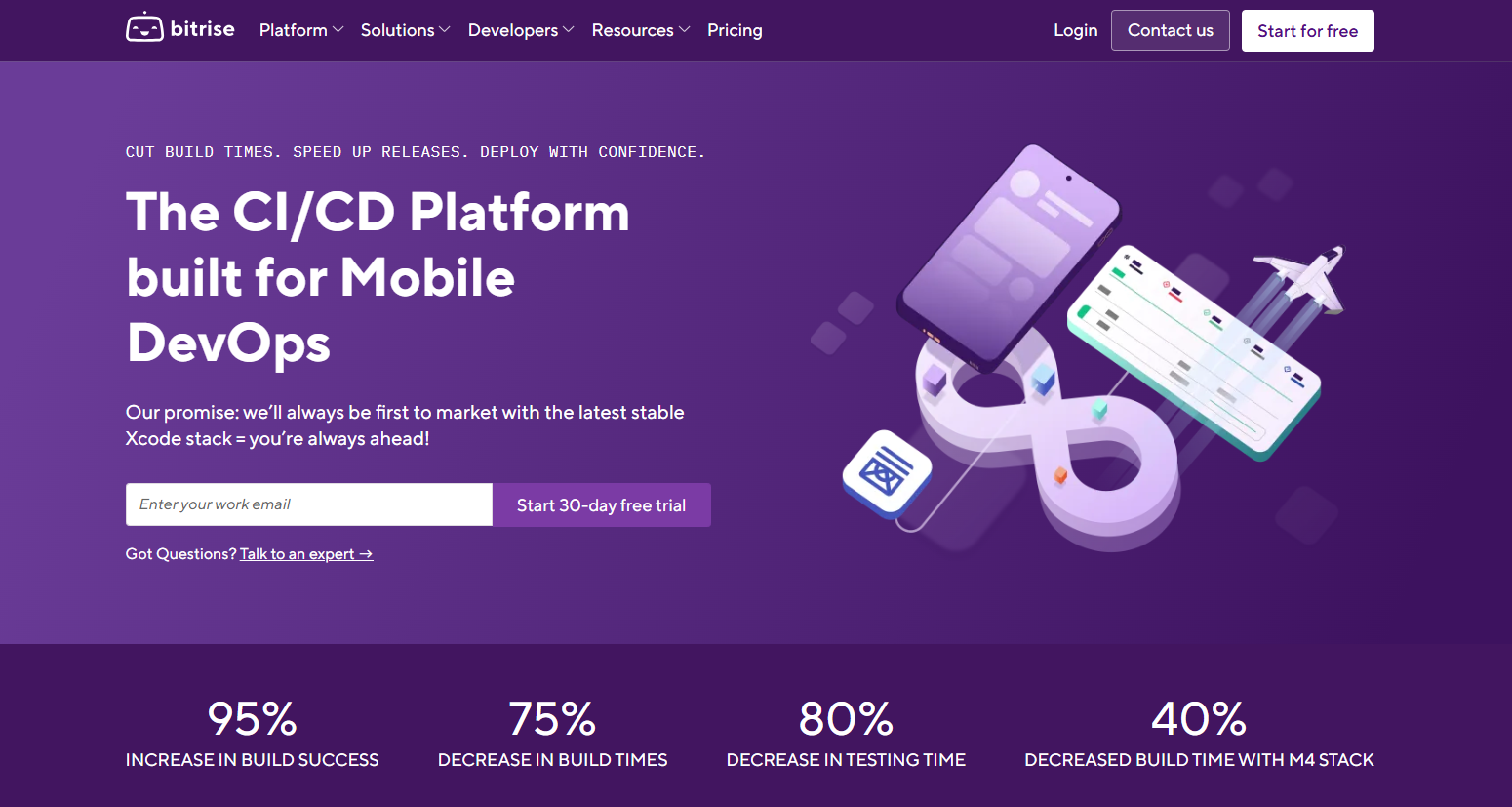
Bitrise is a CI/CD platform purpose-built for mobile app development. It automates the build, test, and deployment processes for Android, iOS, React Native, Flutter, and macOS applications, letting teams focus on shipping features instead of wrangling pipelines. Bitrise integrates seamlessly with GitHub, GitLab, and Bitbucket (including Enterprise editions), making repository connection effortless.
One of Bitrise’s strengths is its pre-built workflows, which allow developers to get started quickly, while also offering the flexibility to define custom workflows and environments that match team needs. With automated deployments to test devices, simulators, or app stores, Bitrise speeds up the full mobile CI/CD lifecycle.
Key Features
- Mobile-first CI/CD: Automate building, testing, and deploying Android, iOS, React Native, Flutter, and macOS apps.
- Pre-built workflows: Ready-made steps to get CI/CD running immediately.
- Custom workflows & environments: Configure pipelines to match your team’s development goals.
- Test and deploy: Push apps directly to simulators, devices, or app stores for QA and release.
- Git integration: Works with GitHub, GitLab, and Bitbucket, including Enterprise editions.
Pricing
- Free: For students and individual developers; includes a 30-day free trial.
- Starter: $99/month for up to 10 team members and unlimited monthly build credits.
- Team: $225/month for unlimited team members and up to 10 concurrent builds.
- Enterprise: Custom pricing based on scale and features.
Codemagic
Codemagic is a mobile-focused CI/CD platform designed to automate the entire build, test, and release process. It supports iOS, Android, Flutter, React Native, Unity, Ionic, and native mobile apps, making it a versatile choice for teams that maintain cross-platform projects. Codemagic integrates with GitHub, GitLab, Bitbucket, Azure DevOps, and other Git repositories, whether cloud-based or self-hosted.
The platform shines with automation and flexibility. You can run unit tests, use emulators, simulators, or real devices, and deploy apps directly to app stores or internal distribution platforms. Flutter projects are particularly easy to set up thanks to auto-detected configuration or codemagic.yaml for custom pipelines. Teams can also receive detailed build logs and alerts through Slack or other notification channels, helping quickly identify and fix issues.
Key Features
- End-to-end mobile CI/CD: Build, test, and release apps across iOS, Android, Flutter, React Native, Unity, and Ionic.
- Flexible build environments: Choose standard or premium Linux, Windows, or macOS instances.
- Testing options: Unit tests, emulators, simulators, or real devices for validation.
- Flutter-first automation: Auto project detection or codemagic.yaml for full control over pipelines.
- Notifications & logs: Receive alerts via Slack with detailed logs for debugging.
- Git integration: Works with GitHub, GitLab, Bitbucket, Azure DevOps, and self-hosted repos.
Pricing
- Pay-as-you-go: Charged per build minutes or concurrency.
- Fixed-price plan: $3,990 per year for team usage.
- Enterprise: Custom pricing starting at $12,000/year for advanced features and scale.
Codefresh
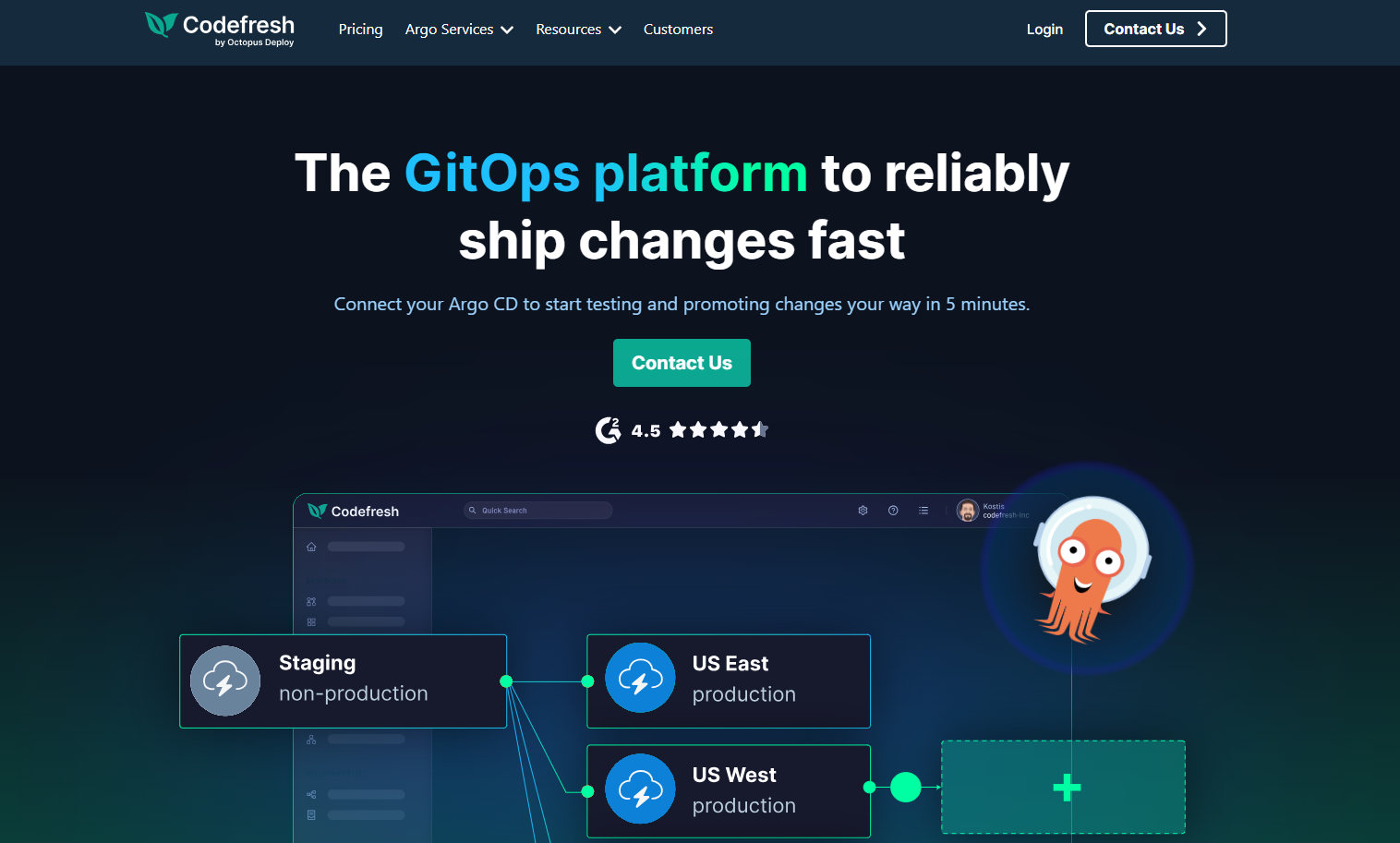
Codefresh is a Kubernetes-native CI/CD platform designed for teams that build, test, and deploy containerized applications at scale. It integrates seamlessly with GitHub, GitLab, Bitbucket, Jenkins, and other CI tools, while offering native Docker support for building, pushing, and managing images directly in your pipelines. Built on Argo, Codefresh embraces declarative continuous delivery, making Kubernetes deployments predictable, traceable, and automated.
The platform also emphasizes developer productivity. You can debug pipelines live with breakpoints, reuse pipeline steps across projects with DRY (Don’t Repeat Yourself) sharable templates, and orchestrate container-based workflows without managing infrastructure. Whether you’re running simple microservice deployments or complex multi-cluster applications, Codefresh keeps your pipelines fast, visible, and maintainable.
Key Features
- Kubernetes-native CI/CD: Declarative pipelines for containerized applications.
- Docker-first workflows: Build, push, and manage Docker images in-pipeline.
- Live debugging: Pause pipelines and inspect steps with breakpoints.
- Reusable pipelines: Share pipeline templates across projects to reduce duplication.
- Zero infrastructure management: Fully managed cloud or self-hosted options.
- Git & CI integration: Works with GitHub Actions, Jenkins, GitLab, Bitbucket, and more.
Pricing
- Community Edition: Free for up to 5 developers and 1,000 cloud credits/month.
- Team Plan: $76/developer/month, up to 15 developers and 1,000 cloud credits/month.
- Enterprise: Custom pricing for unlimited developers and enhanced cloud resources.
Conclusion
There’s no single best CI/CD tool for DevOps in 2026. The right choice depends on your team size, delivery speed, and infrastructure maturity. Lightweight tools like GitHub Actions or Bitbucket Pipelines are ideal for teams that want to ship fast with minimal setup. Kubernetes- and GitOps-driven teams benefit more from platforms like Argo CD, Flux, or Spinnaker. Tools like Bitrise, Codemagic, Concourse, or GoCD make more sense for specialized workflows such as mobile CI/CD or complex delivery orchestration.
But tooling alone doesn’t guarantee success.
As pipelines grow, scalability becomes a cognitive challenge, not just a technical one. Teams struggle with fragmented workflows, unclear ownership, brittle pipelines, and constant context switching between builds, deployments, infrastructure, and costs. CI/CD should make delivery easier, not harder to reason about.
This is where Devrims DevOps as a Servicefits in. Instead of just helping you pick tools, Devrims focuses on implementing, operating, and optimizing CI/CD pipelines in real production environments across cloud infrastructure, Kubernetes, security, and automation.
The best CI/CD strategy is one that works today and evolves with you tomorrow. Whether you’re starting simple or running complex multi-environment systems, pairing the right tools with experienced DevOps execution ensures your delivery pipelines stay fast, secure, and sustainable.

Related Tutorials